Most mobile application projects slip their release dates not because the code is impossibly difficult, but because the scope keeps shifting. When features are added halfway through development, deadlines evaporate. But when you freeze the day-one feature list after week one, cross-platform app development makes it entirely realistic for an experienced solo engineer to take an app from concept to both the Apple App Store and Google Play Store in approximately six weeks.
Having delivered inventory management, wholesale ordering, and customer-facing mobile applications using Flutter and Firebase, this six-week framework is the exact cadence I use with clients.
Here is how the week-by-week schedule works, how to choose between Flutter and React Native, and how to navigate the app store review process without costly delays.
Why Six Weeks Is a Realistic Target for Cross-Platform App Development
The secret to shipping in six weeks is treating scope as a fixed constraint and letting lower-priority polish wait for post-launch updates.
One shared codebase covering both iOS and Android reduces development time by roughly 40% compared to maintaining separate Swift and Kotlin codebases. By committing to weekly demos where you tap through live test builds on physical hardware, usability issues and design misunderstandings surface immediately rather than during a stressful launch week.
The Week-by-Week Development Roadmap
Week 1: Scope Lock & Schema ──> Week 2: Auth & Core Screens ──> Weeks 3-4: Feature Logic & APIs ──> Week 5: QA & Polish ──> Week 6: Store Submissions
Week 1: Scope Lock, Wireframes, and Data Architecture
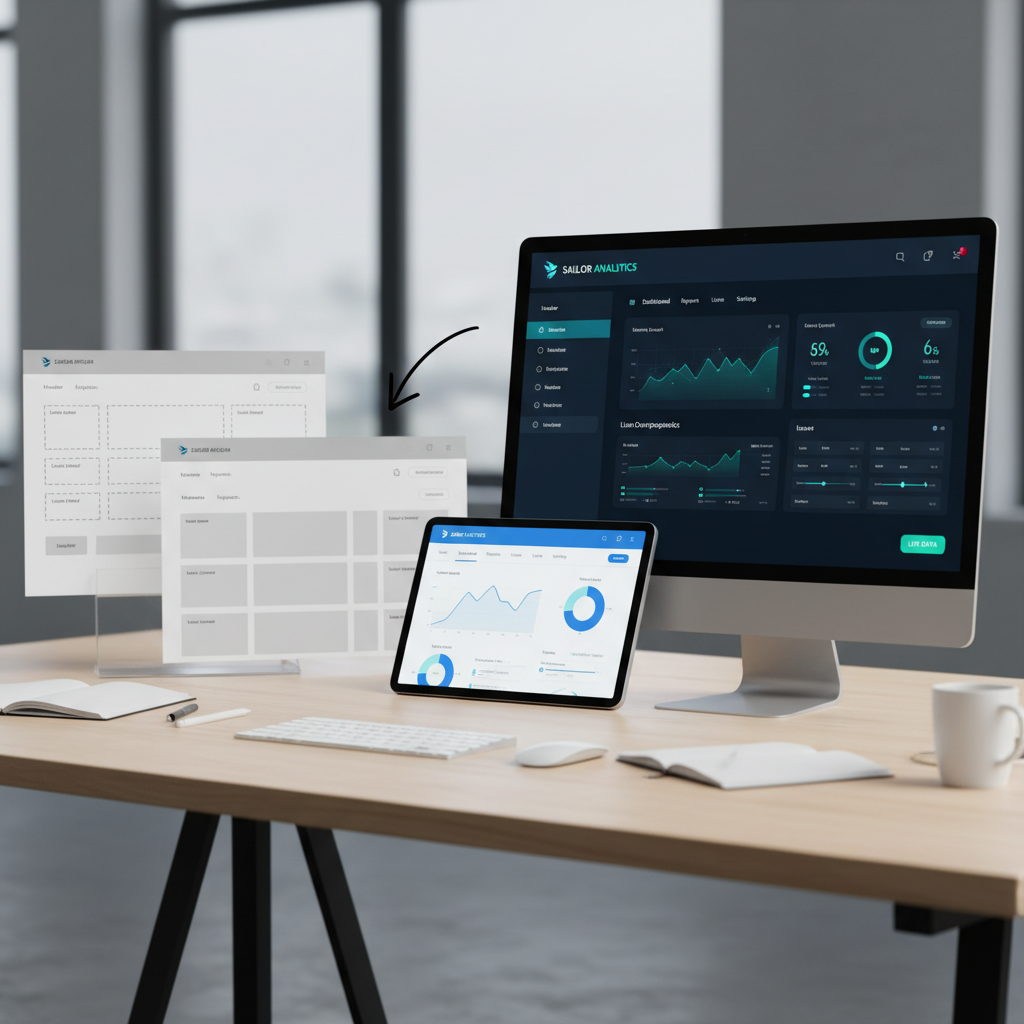
We begin by establishing a non-negotiable feature inventory. Every proposed screen is mapped out in low-fidelity wireframes, and the database schema is defined. By Friday of Week 1, the database entities and relationships are locked.
Week 2: Authentication, Navigation, and Shell Layouts
The application skeleton is assembled. User authentication (email/password, Google, Apple Sign-In), global state management, tab bars, and route guards are configured. By the end of this week, you can log in and navigate empty screens on a test device.
Weeks 3 and 4: Primary Features, API Integration, and Offline Behavior
This is the core development sprint. Business logic, REST/GraphQL API connections, payment gateways, and local caching are implemented. Offline-first patterns ensure that if a user loses cellular connectivity, the app caches mutations and syncs seamlessly once reconnected.
Week 5: Polish, Real-Device Testing, and Crash Reporting
We shift focus from writing new features to hardening the build. Firebase Crashlytics or Sentry is integrated, performance bottlenecks on low-end Android devices are resolved, and animation frames are tuned to a steady 60 FPS.
Week 6: App Store Assets, Review Submission, and Launch
App Store screenshots, localized descriptions, privacy policy disclosures, and demo credentials are prepared. Builds are submitted to TestFlight and Google Play Console for official review.
Ready to take your mobile app idea to the App Store and Google Play?
Schedule a Mobile Scoping CallChoosing Your Stack: Flutter vs React Native vs Native
Selecting the appropriate framework depends on your existing tech ecosystem and long-term hiring strategy:
| Stack | Strengths | Best Used When |
|---|---|---|
| Flutter (Dart) | Pixel-perfect UI consistency across iOS and Android, rich built-in widgets, outstanding performance | You want identical visuals and high-performance custom UI |
| React Native (TypeScript) | Shared code with React web apps, large npm ecosystem, easy for JavaScript teams | Your company already runs React web applications |
| Native (Swift / Kotlin) | Direct access to cutting-edge OS APIs and specialized Bluetooth/hardware | You are building AR apps, complex video editors, or hardware utilities |
For the vast majority of commercial software, cross-platform frameworks deliver 95% of native performance at nearly half the total expenditure.
Getting Through App Store Review Without Rejections
Apple and Google both reject submissions for easily preventable oversight. Common triggers include:
- Missing Account Deletion: Apple requires that apps allowing account creation also provide an in-app button to delete the account and all associated personal data.
- Incomplete Test Credentials: Reviewers must be provided with functional test login credentials with pre-populated demo data.
- Ambiguous Permission Prompts: Requesting camera or location access without clearly explaining why the permission is needed will prompt an immediate rejection.
Budget at least five business days for initial store reviews, with a small buffer for addressing any clarification requests.
For more details on budgeting and scoping, explore my breakdown on the cost to hire a freelance developer for an MVP.
Next Steps for Your Mobile Project
If you have a mobile concept and want to evaluate whether a six-week timeline is realistic for your requirements, reach out through my contact form for a detailed assessment.